
ProCapture
by NEast Studios
Capture photos and panoramas like a pro with the ProCapture camera app.
ProCapture
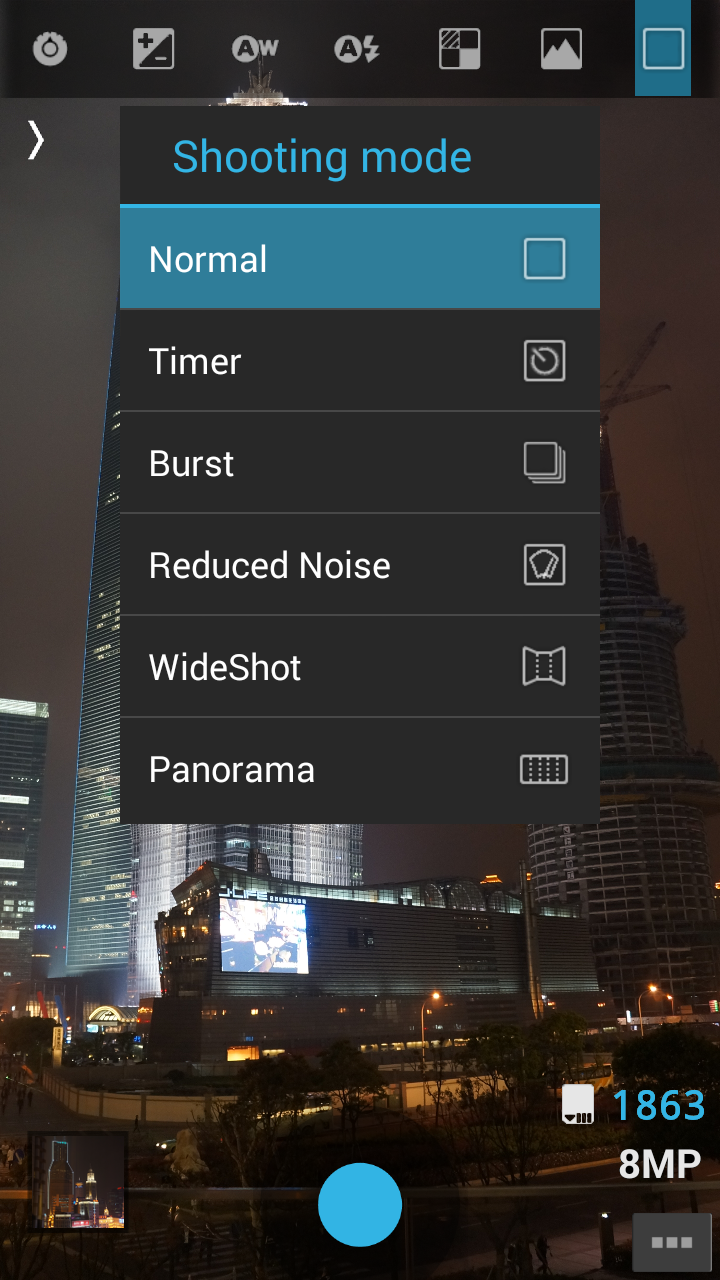
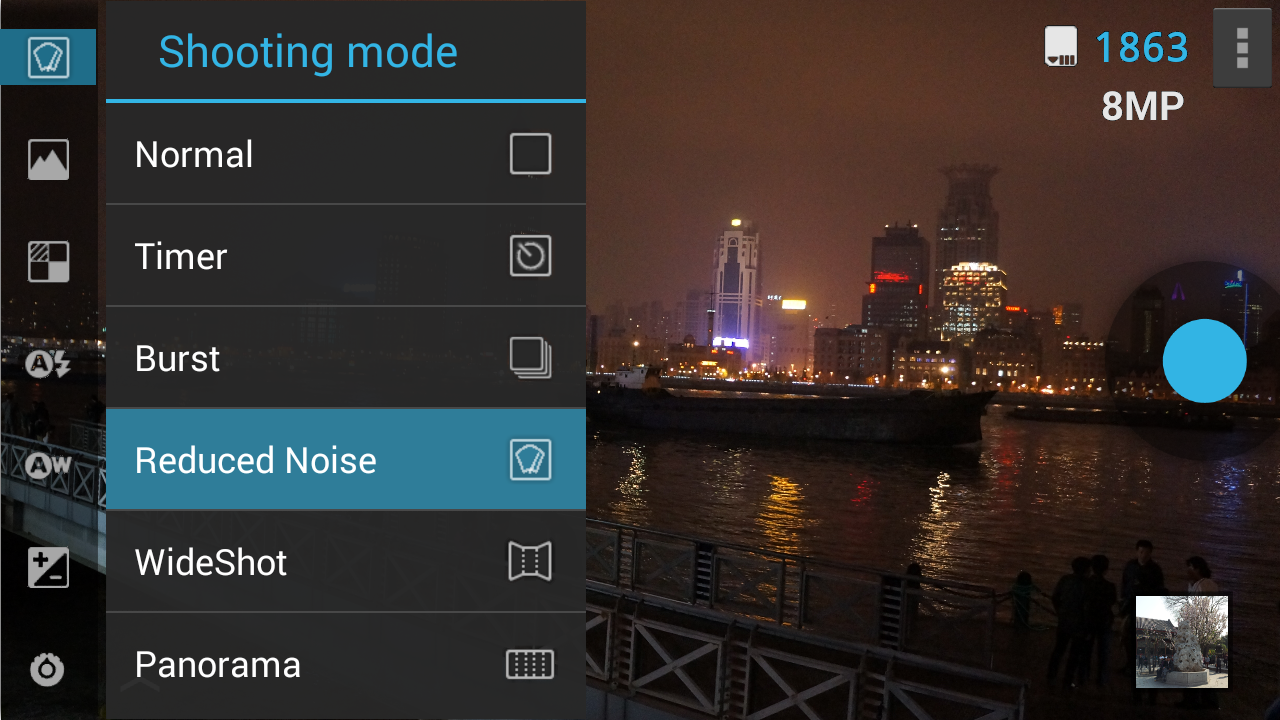
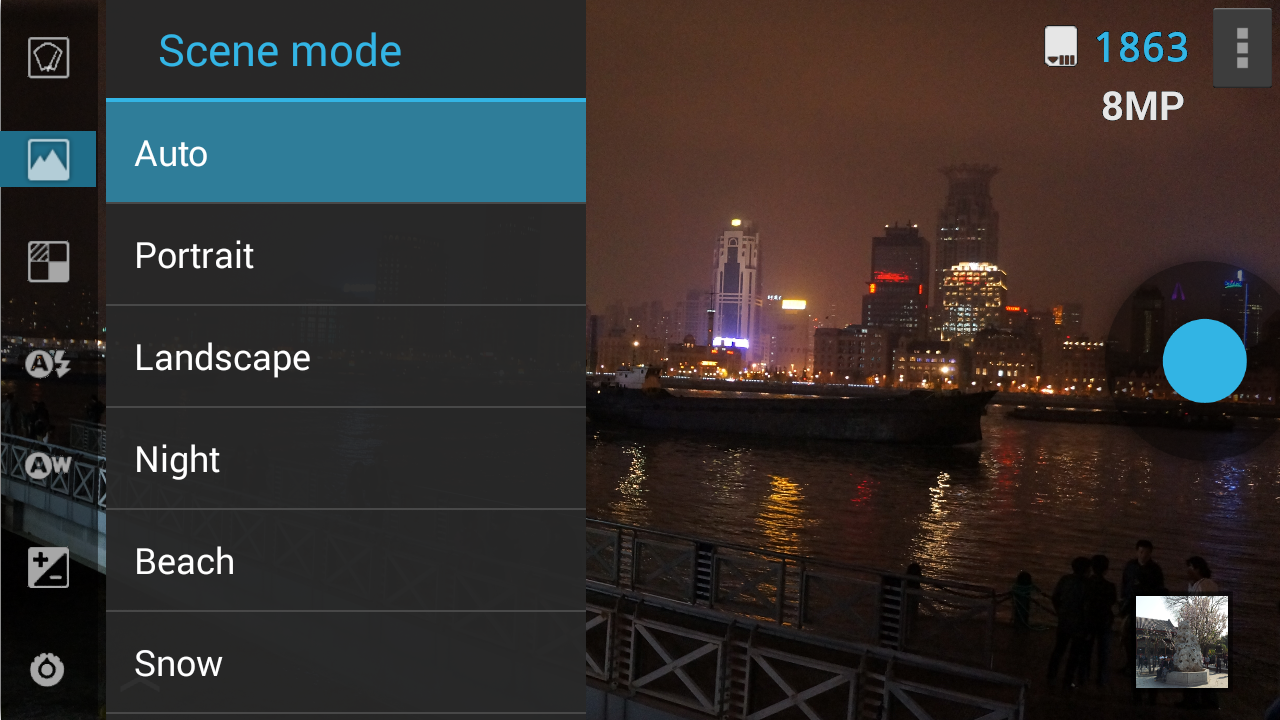
Multiple advanced camera shooting modes are supported: Timer, Burst, Reduced Noise, Wide Shot and Panorama.Features:● Simple UI with easy access to all camera features.● Panorama mode.● Wide Shot mode.● Reduced Noise mode.● Camera composition aids: grid and Fibonacci spiral.● Real-time on-screen histogram.● Configure volume buttons for zoom or photo capture.Notes:● Free version ProCapture Free available to try before buying.● Some options cannot be changed if you use a Scene Mode other than "Auto".● Available scene mode, color effect, flash, and white balance options depend on support from the device.● Touch-to-focus is only supported by Android 4.0+.● This camera app does not support video capture.
Try our UltraCorder app for video capture at ultra high resolutions and using HEVC encoding.Fixed share photo not working.
Social Features
Connect and share with friends and the community.
Camera Features
Advanced camera features with editing capabilities.
Learning Tools
Enhance your learning experience with interactive features.
See ProCapture in Action
What Our Users Say
Don't just take our word for it. Here's what our users have to say about this Android app.
"My only camera for years"
"Some choices"
"Often than not, app crashes upon launch; thus, rendering it useless."
"Definite improvement over the stock sw on the S3 Works well on the S5, too. Also happy with it on moto G stylus."
"Very good capture of full dynamic range which other apps struggle with. Some stability issues recently where app keeps stopping right away. Would be nice if self timer could be set for less than 3 seconds."
"Get better Shadow detail elsewhere, moved on, sorry."
"Dead software, I want a refund!"
"For what was paid for this app it wasnt worth it"
"Love this app! Great for widescreen shots that can keep the perspective of the picture from being warped."
"Good app, no internet, no trackings"
Get the App Today

Available for Android 8.0 and above
Ask AI about this app
Get instant answers about features, tips and more from popular AI assistants.